Claria
Secure AI report writing for clinicians.
Your data, your AWS account, no middleman.
Secure AI report writing for clinicians.
Your data, your AWS account, no middleman.
Claria is built for psychologists and clinical practitioners who write evaluation reports. If your day involves psychological evaluations, behavioral assessments, or progress reports, Claria was designed with your workflow in mind.
This is not a generic AI tool. Claria understands the specific instruments you use and generates structured clinical reports that match your practice.
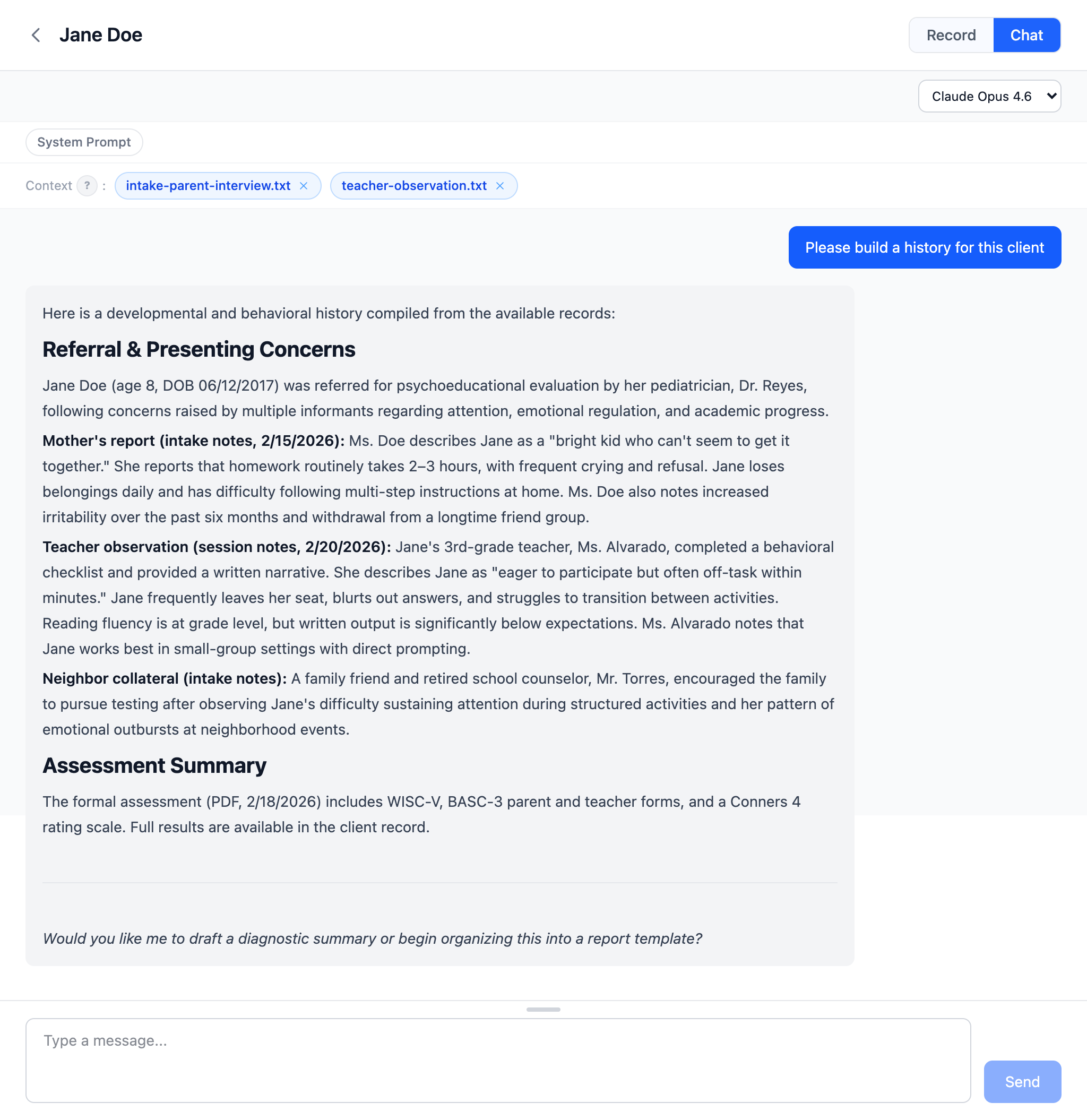
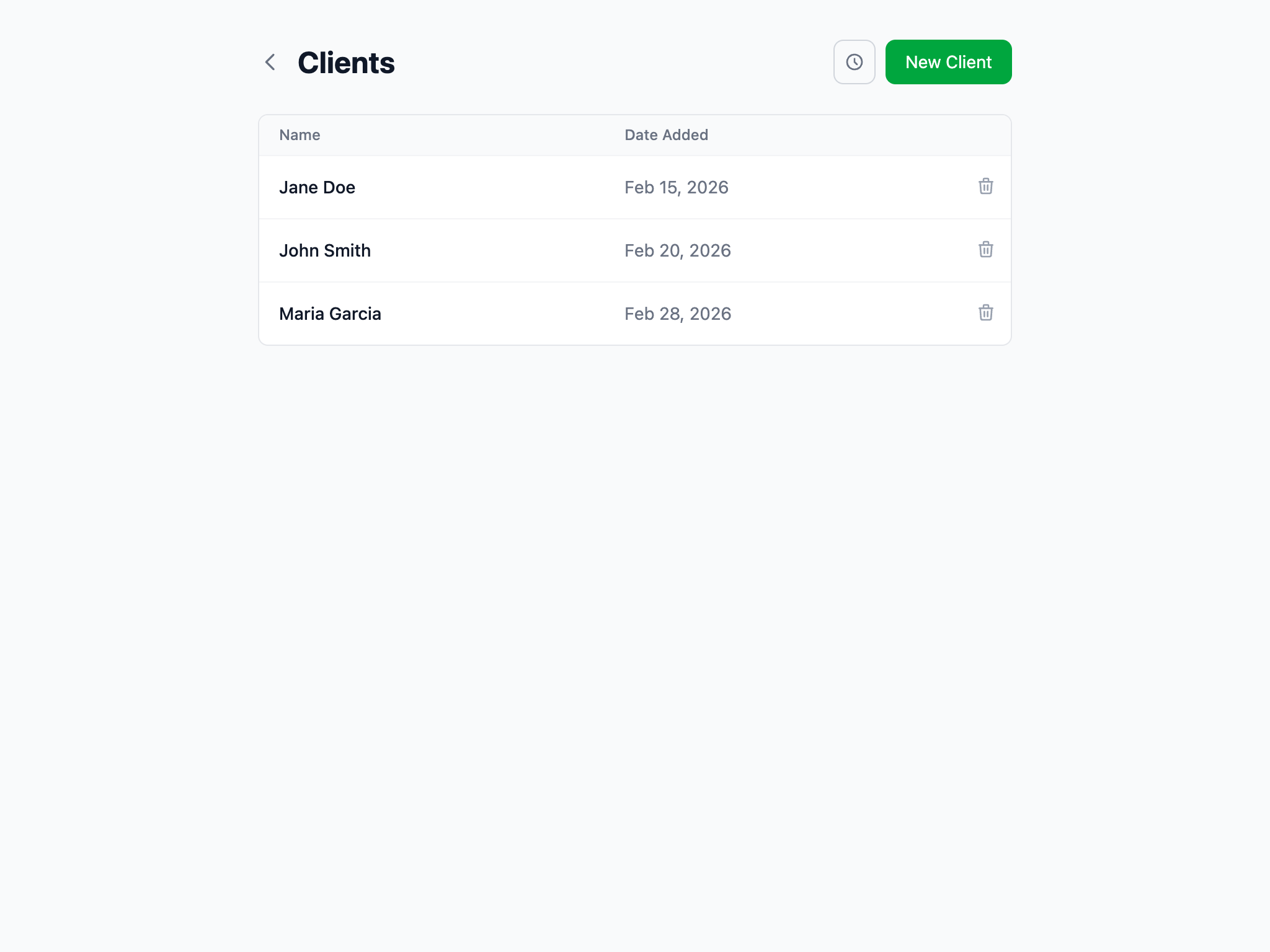
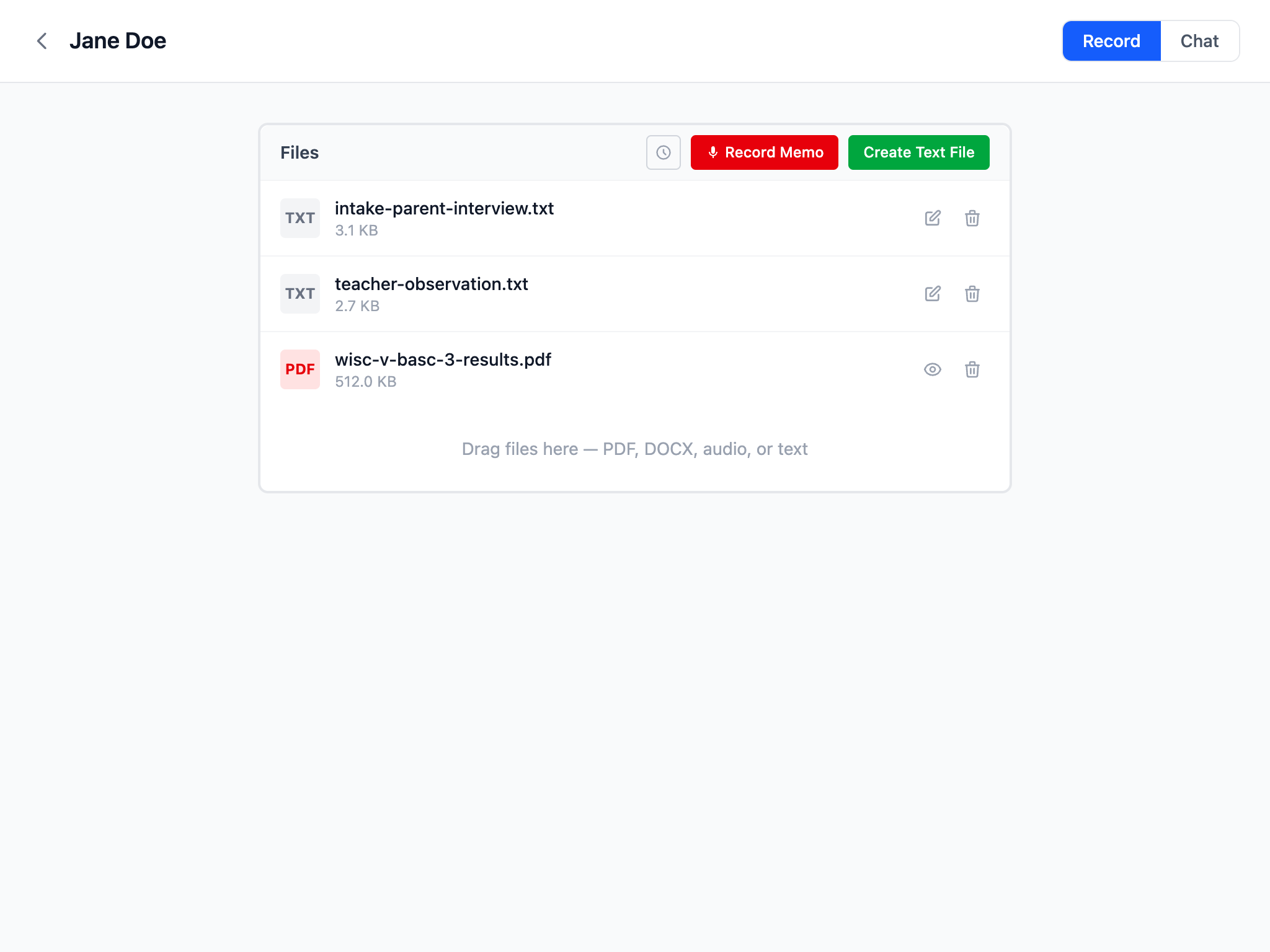
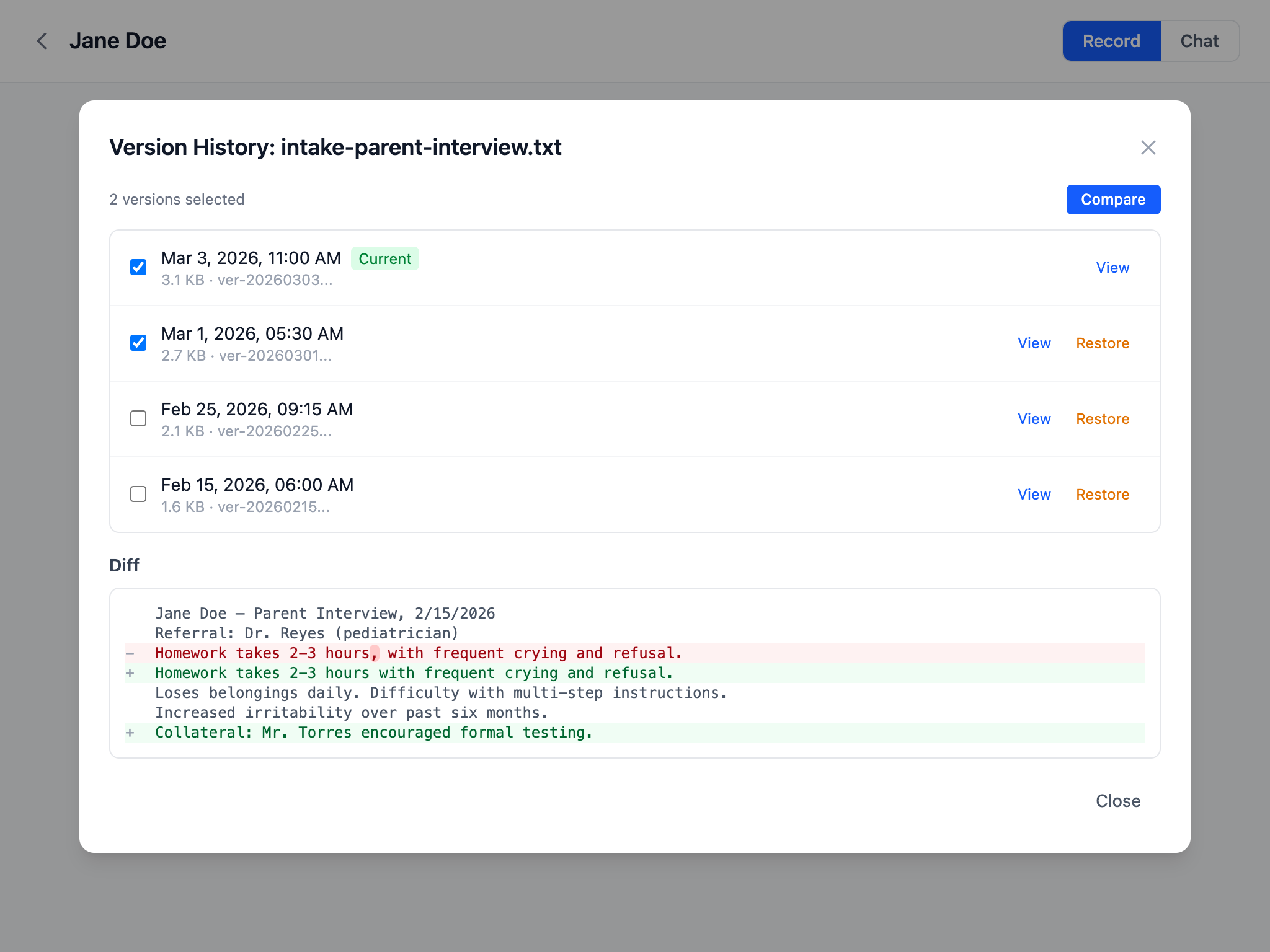
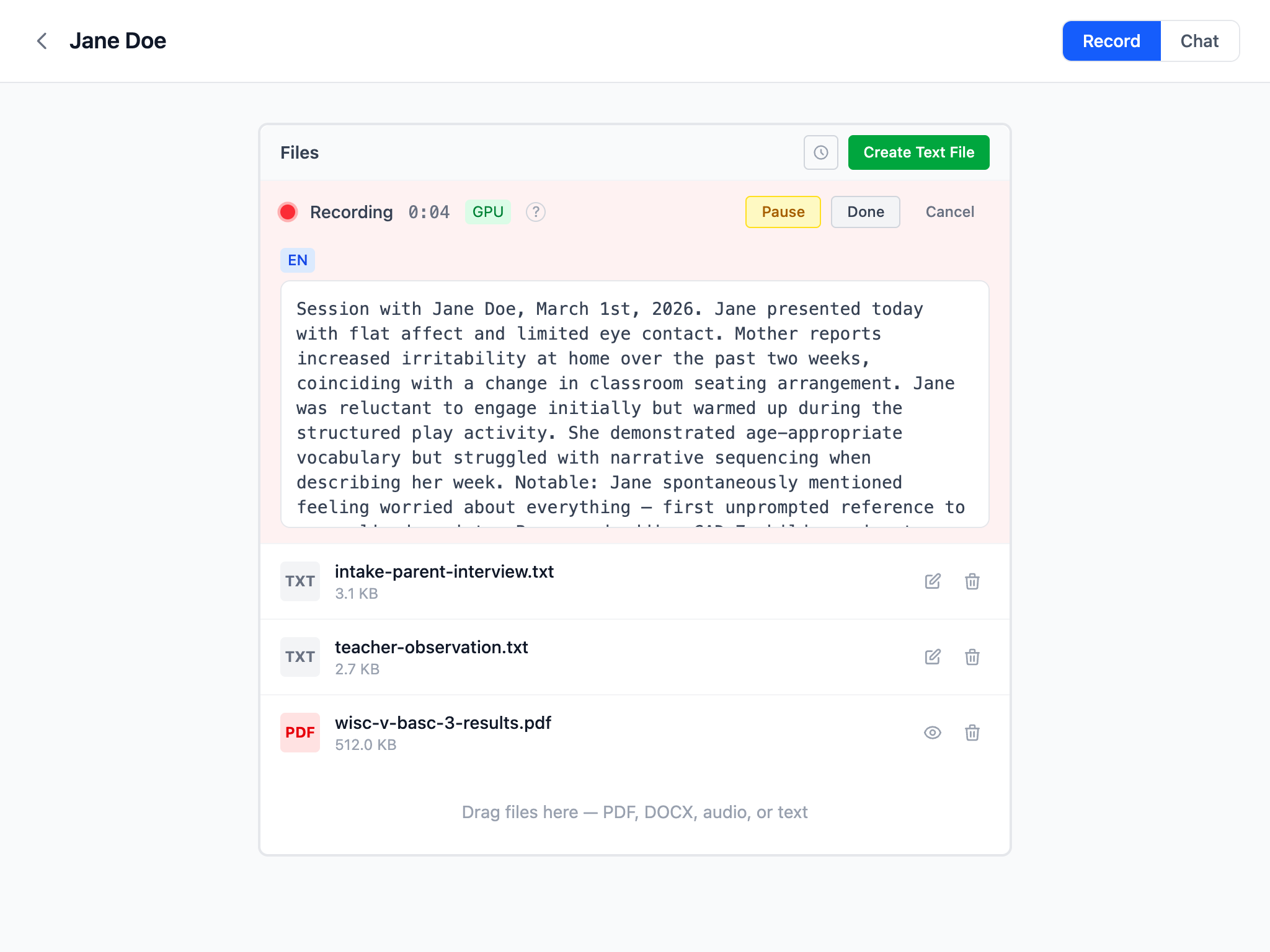
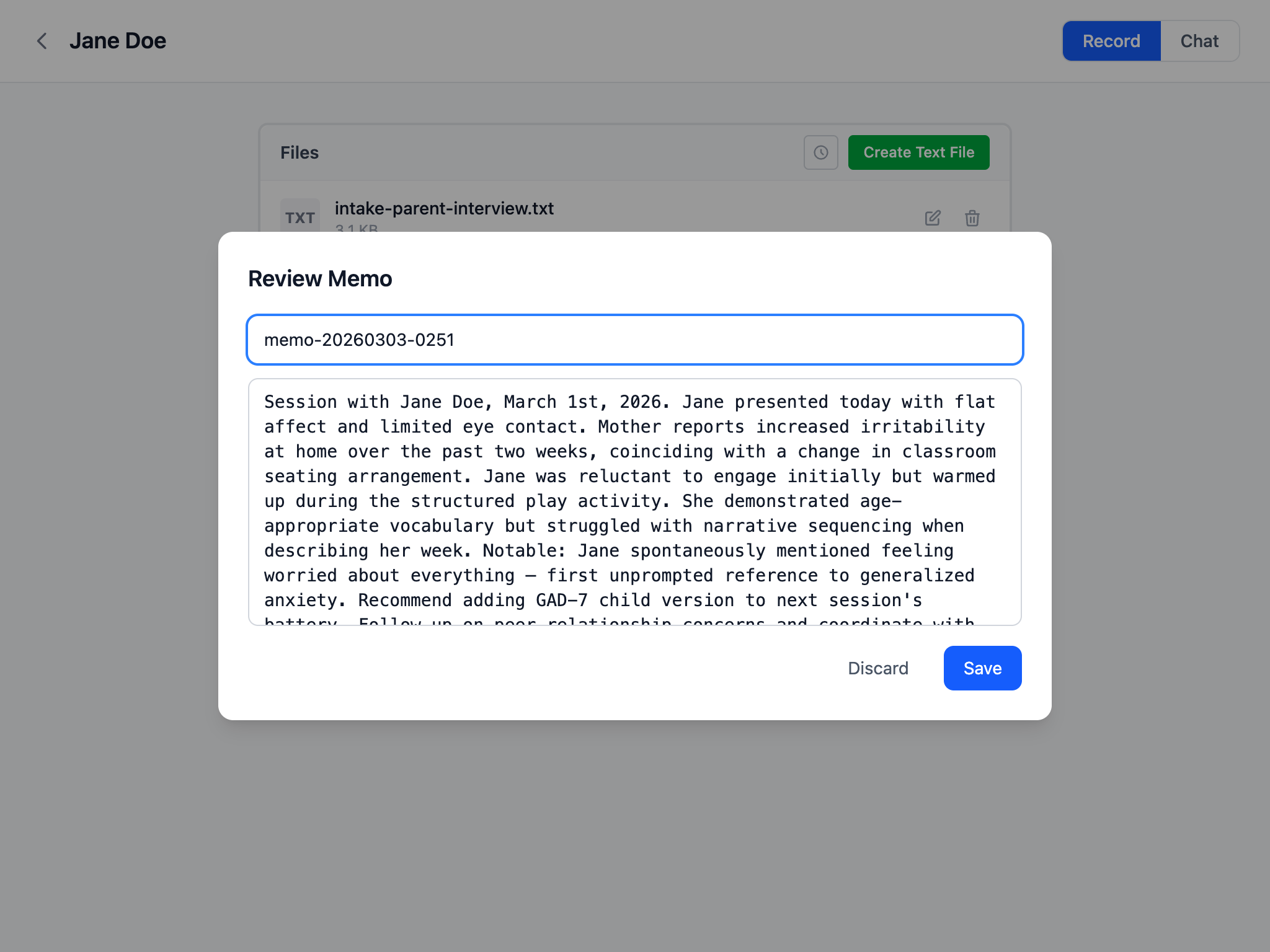
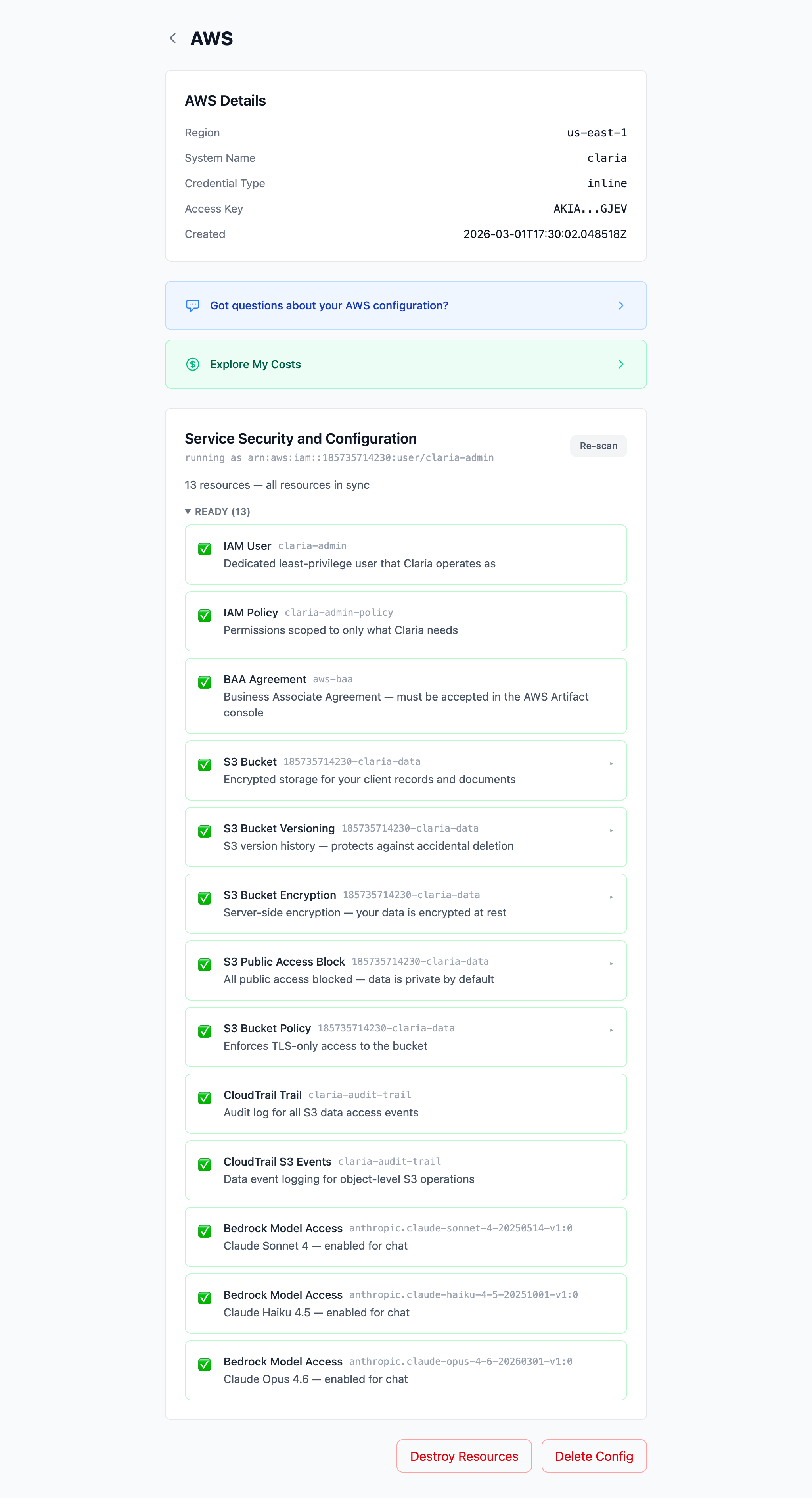
From uploaded documents to polished clinical writing in five steps.
Once you install Claria, the app walks you through everything. You don't need to be technical — the built-in setup wizard handles AWS configuration, security settings, and HIPAA compliance for you.
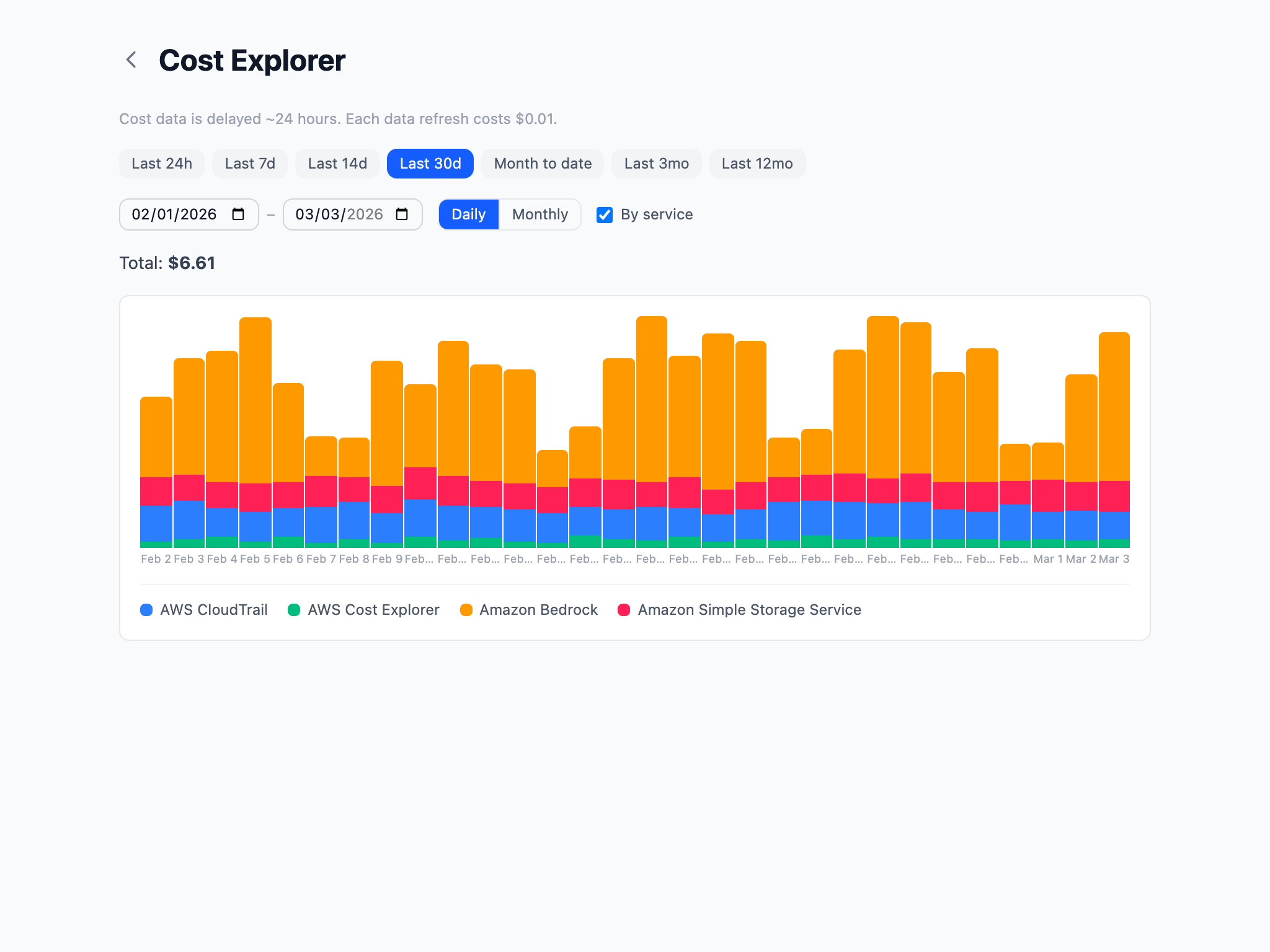
You pay AWS directly — there is no Claria subscription fee. Here's what the models cost:
| Model | Input | Output | Best for |
|---|---|---|---|
| Claude Sonnet 4 | $3 / 1M tokens | $15 / 1M tokens | Everyday reports |
| Claude Opus 4 | $15 / 1M tokens | $75 / 1M tokens | Complex evaluations |
| Claude 3.5 Haiku | $0.80 / 1M tokens | $4 / 1M tokens | Quick drafts |
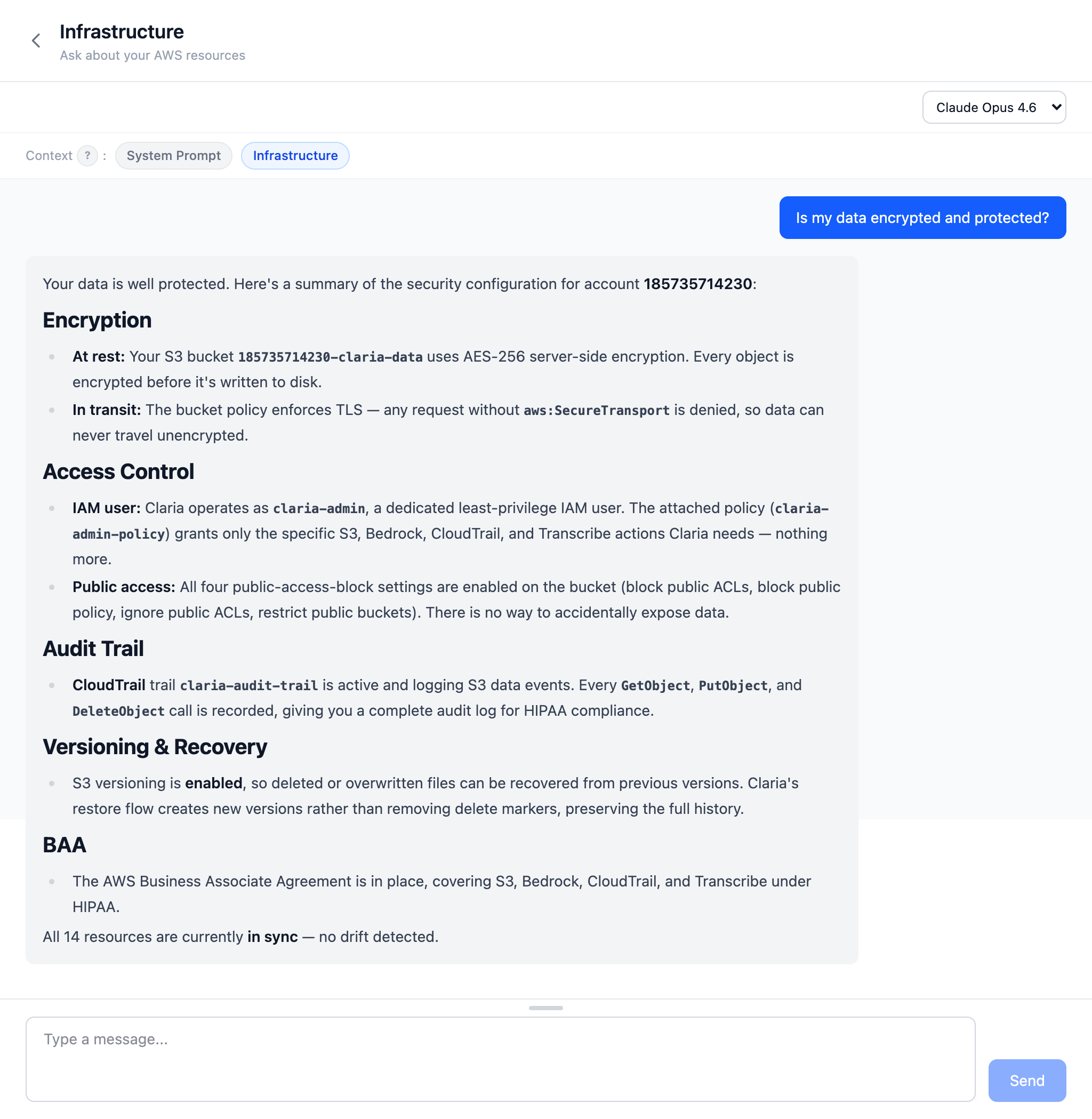
Claria provides the technical safeguards: encryption at rest and in transit, audit logging via CloudTrail, versioned storage, and least-privilege access controls. It also walks you through signing a Business Associate Agreement (BAA) with AWS, which makes the services Claria uses HIPAA-eligible at no extra cost.
However, HIPAA compliance extends beyond technical controls. As a clinician, you are responsible for the administrative and physical safeguards that apply to your practice — things like workforce training, access management policies, and your organization's privacy procedures. We strongly recommend consulting with a HIPAA compliance specialist to ensure your overall workflow meets the requirements for handling protected health information (PHI).
Only two places: your computer and your AWS account.
Claria is free, open-source software. Download the app, and it will walk you through setting up your AWS account and securing your environment step by step.
All releases are available on GitHub Releases.
Claria is currently ad-hoc signed (no Apple Developer certificate). macOS quarantines apps downloaded from the internet, so you may see a warning that the app "can't be opened." This is a one-time fix.
Before opening the DMG, strip the quarantine attribute in Terminal:
xattr -d com.apple.quarantine ~/Downloads/Claria_0.15.0_aarch64.dmgThen open the DMG and drag Claria to Applications. If you already copied it:
xattr -cr /Applications/Claria.appProper Apple Developer signing and notarization is planned — this workaround will go away in a future release.
No. Nothing is hosted for you. The app runs on your machine and connects directly to your own AWS account.
No. Claria is not a middleman. Your data flows between your desktop and your AWS account. The developers never see it, and the app collects no telemetry or usage stats.
No. Claria produces structured clinical reports, not freeform conversation. The AI is used to analyze your documents and generate report sections that match your practice.
Claria itself is free and open source. You pay AWS directly for what you use — there is no recurring Claria fee or subscription. A typical report generation costs pennies.
Amazon Web Services (AWS) is a cloud computing platform run by Amazon. Your Claria data is stored and processed in your own private AWS account, which only you control. Claria walks you through setting it up step by step — no technical experience required.
AWS Bedrock is the part of AWS that runs AI models like Claude — your data never leaves your account. Claria enables it for you automatically during setup.